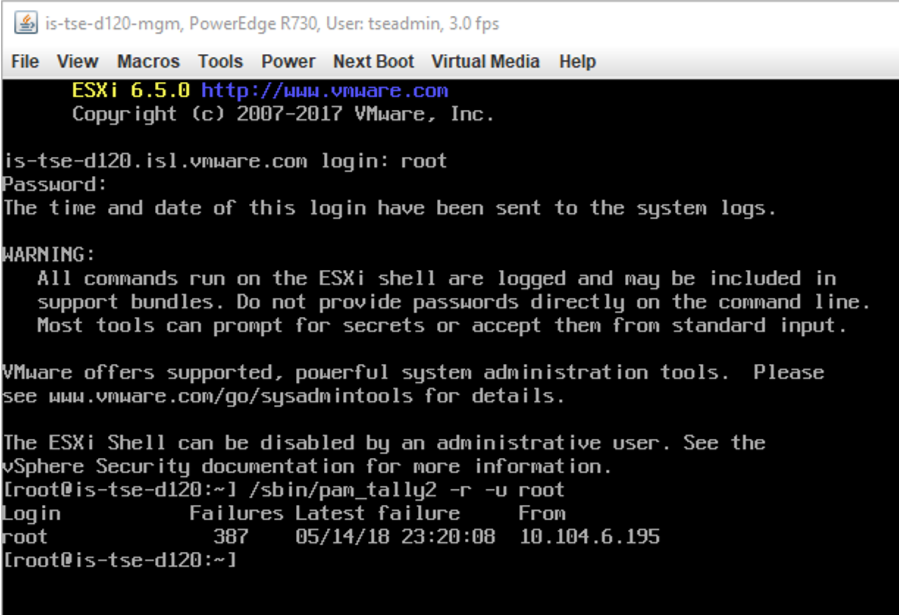
Generally. Should the root account be locked out, SSH and UI/client access to the host fails. In order to work this around Bring up a Console session to the Host and enable Esxi Shell (under troubleshooting options) on the console session, press ALT+F1, log in as root and password: In…
Read MoreCategory: vCenter
migrate option grayed out for VM’s on the vCenter view
the migrate option is normal grayed out when there is an ongoing task (clone, backup, snapshot take/consolidate/reconfigure etc) running against the VM) In certain rare cases, an orphaned DB record could also cause this. From the vCenter server database, Look at the table VPX_DISABLED_METHODS IF there are no such task’s and…
Read MoreReplacing vmdir certificates on vCenter 6.0
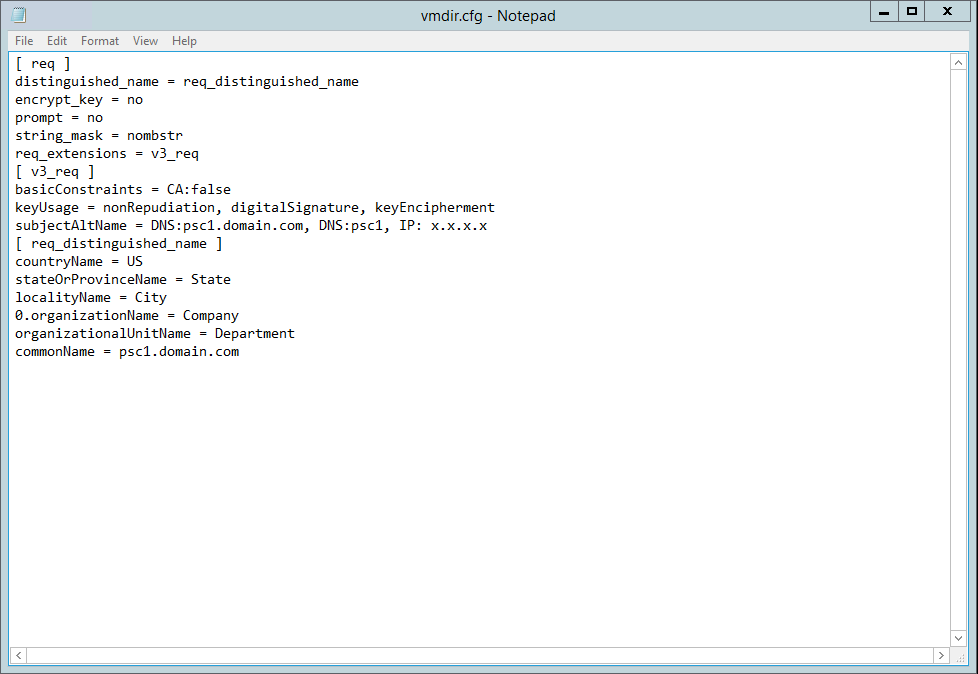
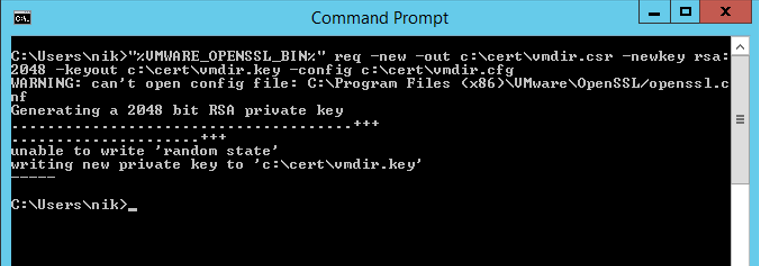
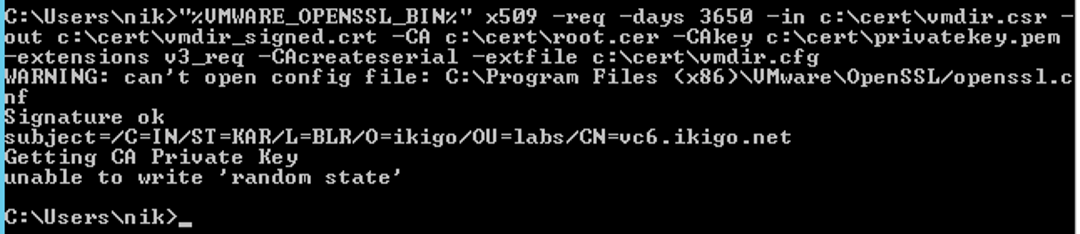
vmdir is a vCenter component that Listens on port 389 and 636(LDAPs/LDAP) We will start creating a new configuration file called vmdir.cfg with the below content: (replace the contents under v3_req with the fields appropriate to your environment) using openssl, create a new CSR file with the above configuration: If…
Read Moreweb client service crashes java.lang.OutOfMemoryError: PermGen space and java.lang.OutOfMemoryError
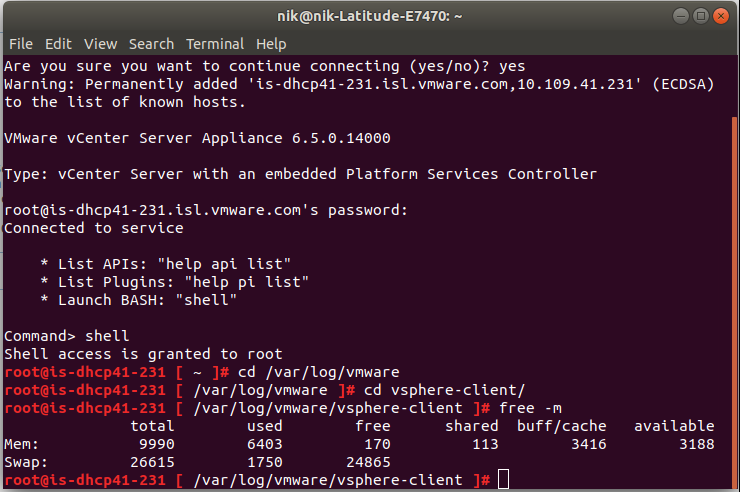
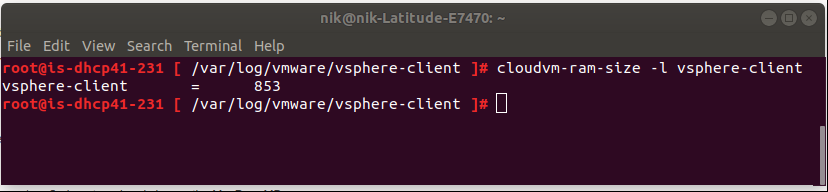
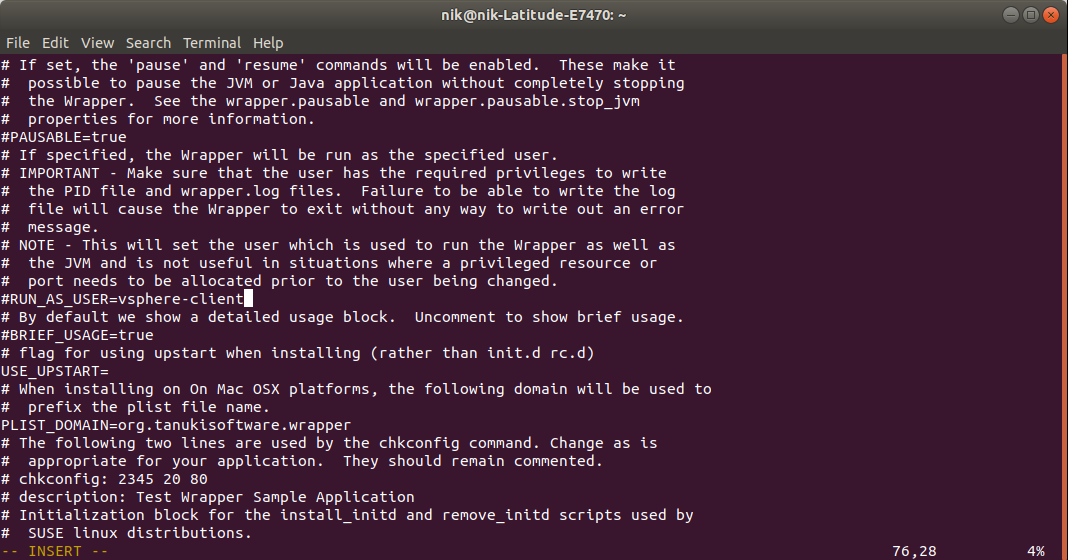
vSphere web client refused to start with memory errors log location: Cause: insufficient Web-client heap size/Insufficient PermGen space?configuration change Scenario 1: Heap-size Resolution: Ensure there is sufficient free memory on the vCenter Review and Increase (double) the heap size of the web client Appliance: windows: start vsphere-client and observe if…
Read MorevCenter Pre-upgrade fails
Error: Internal error occurred during execution of upgrade process. Resolution: Send upgrade log files to VMware technical support team for further Assistance. Upgrade logs say: Now look at the source appliance. Run /opt/vmware/share/vami/vami_get_network less returns an dependency error: To resolve this, re-create the link to dependency by running the below commands.…
Read MoreRegistering replication appliance to vCenter fails with “no element found: line 1, column 0”
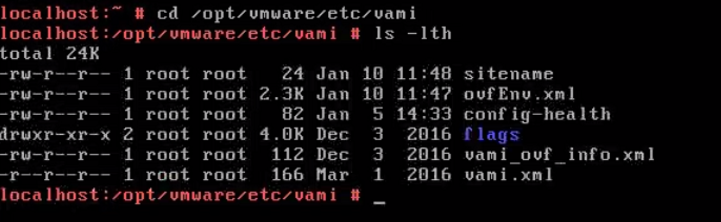
Registering replication appliance to vCenter fails with “no element found: line 1, column 0” Cause: Corrupt/missing ovfenv.xml Log on to the vR appliance console session and run the below command: f the ovfenv.xml is 0, power down the replication appliance and power (do not perform a guest restart) this back…
Read MoreSetting up replication using existing seeds/reverse replication
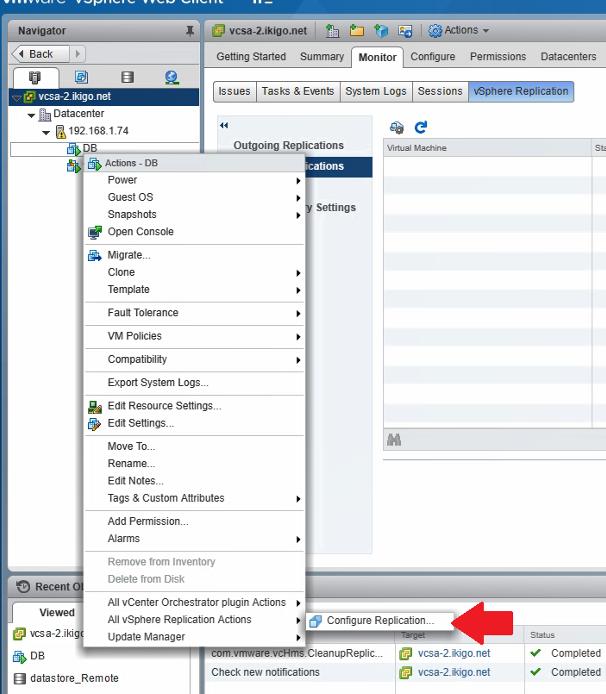
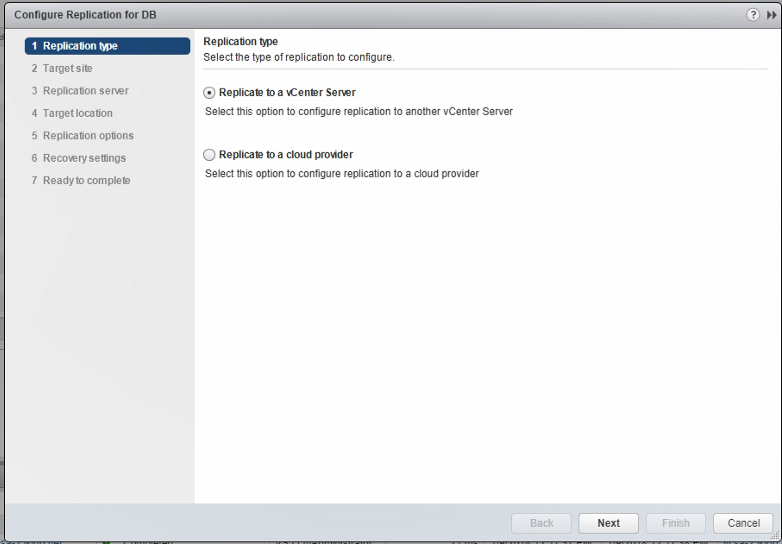
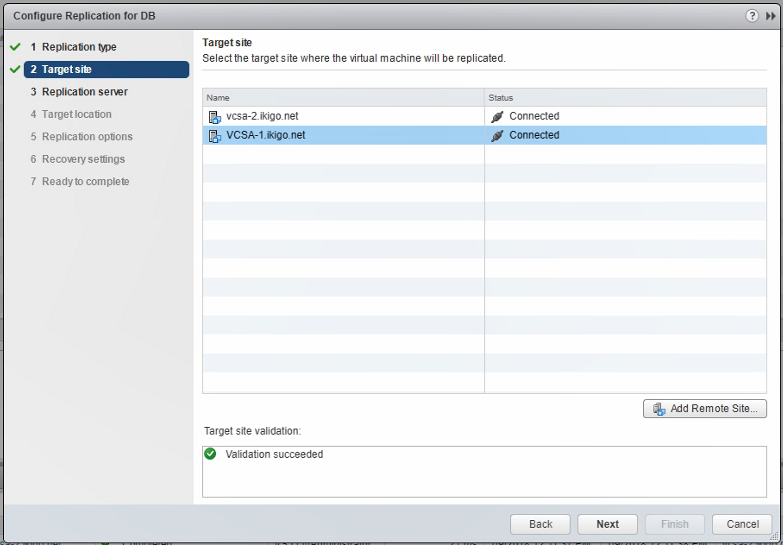
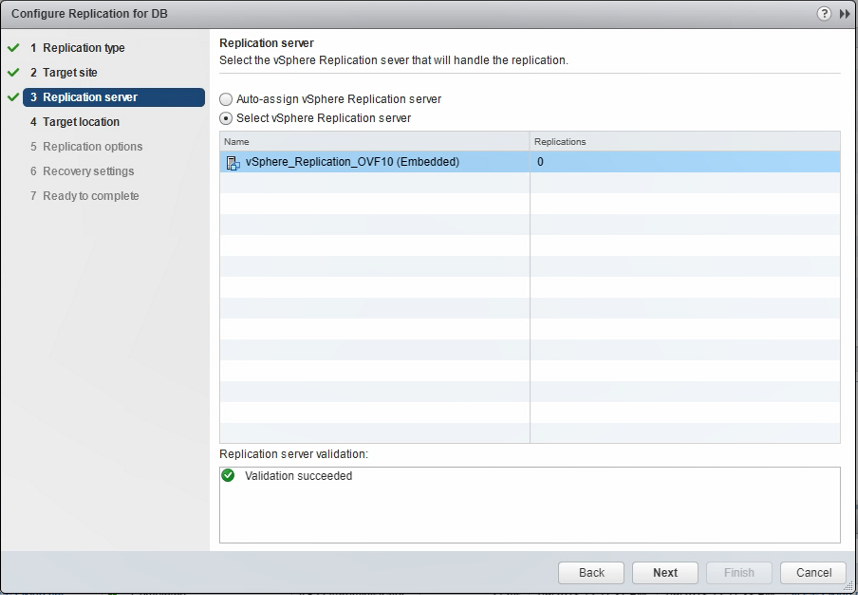
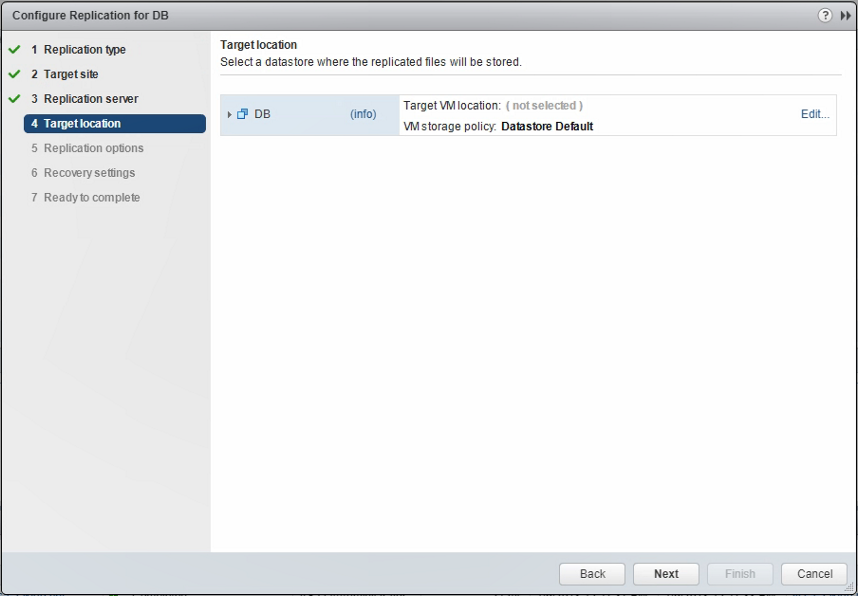
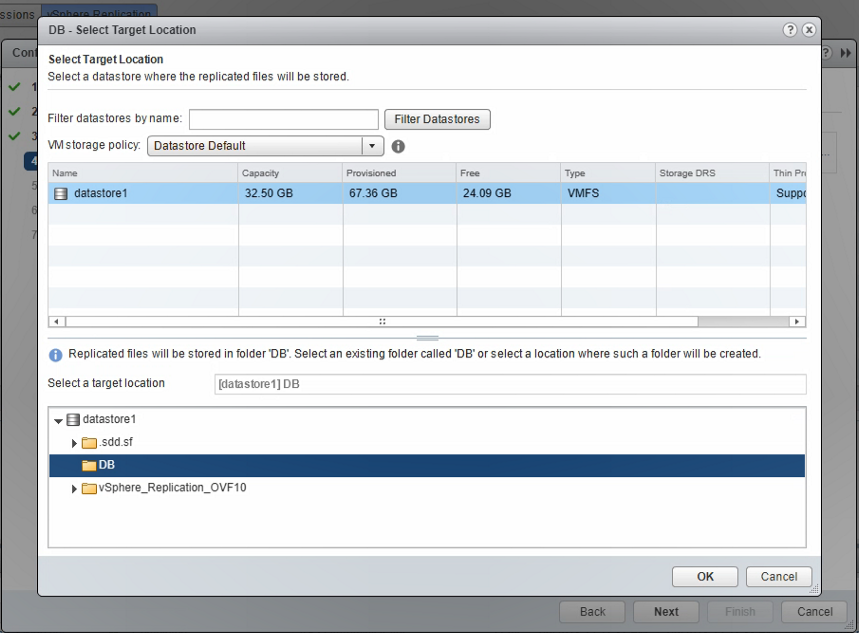
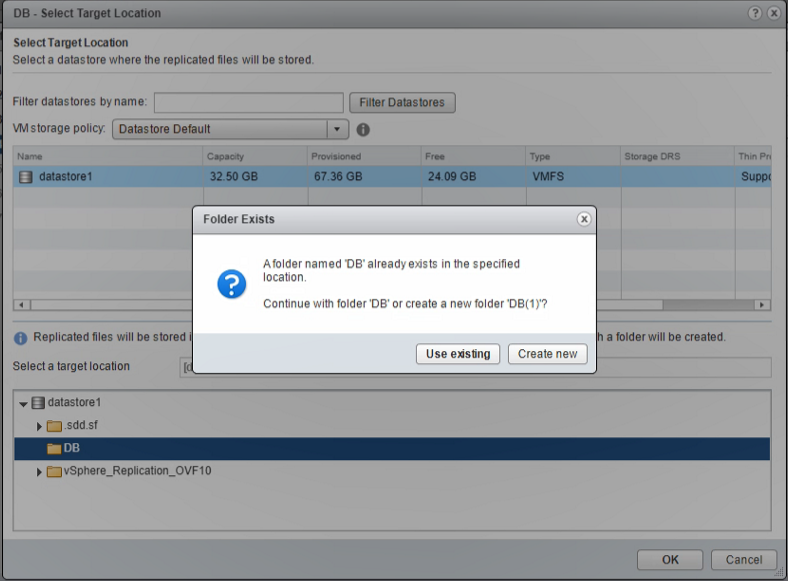
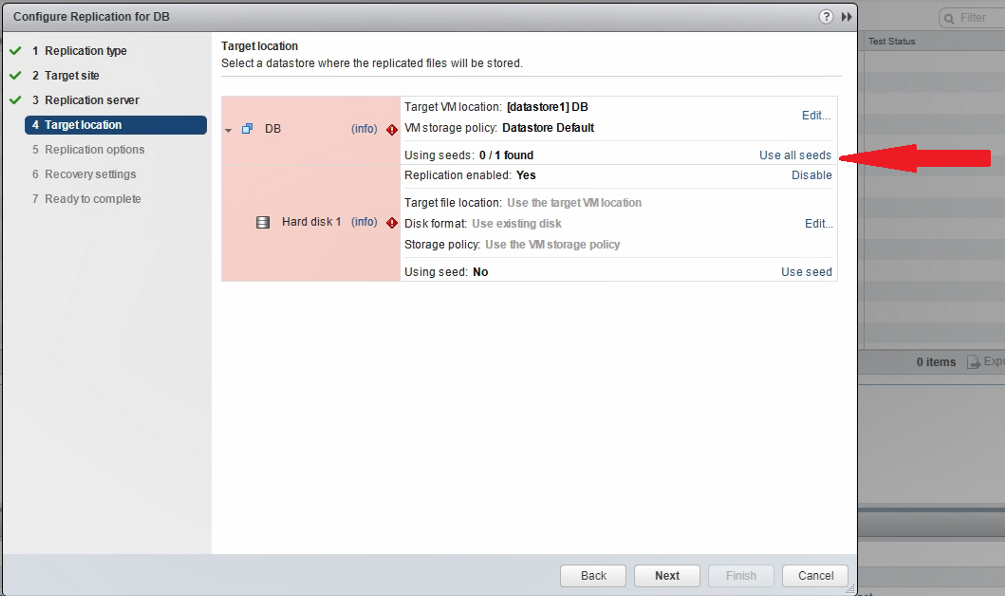
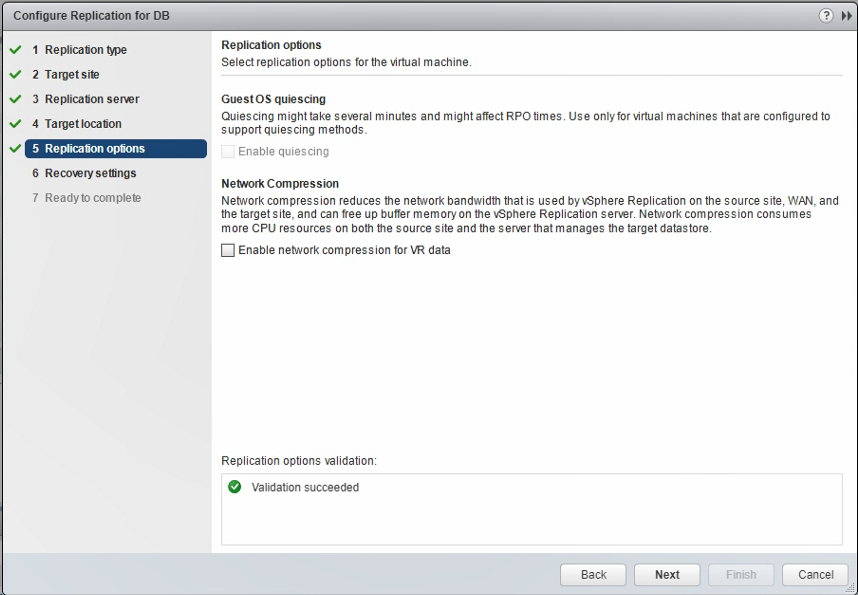
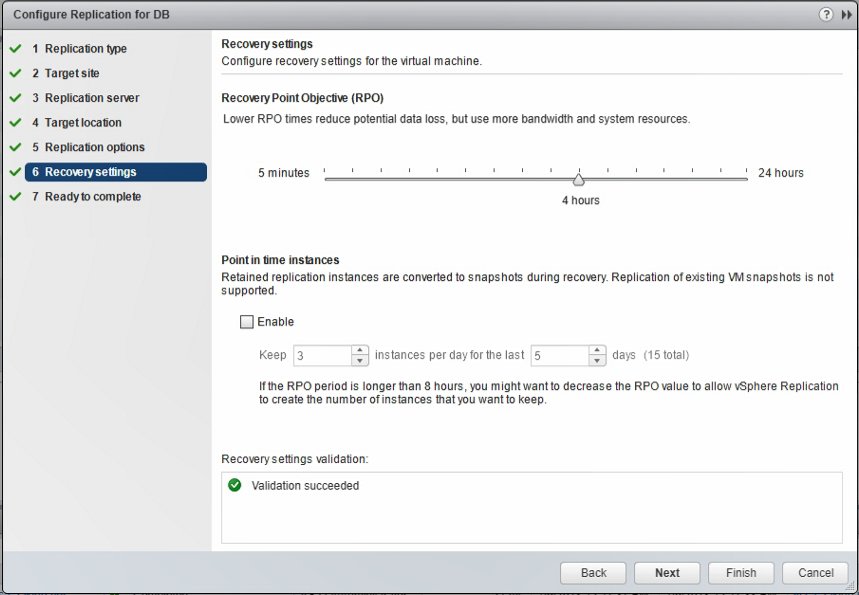
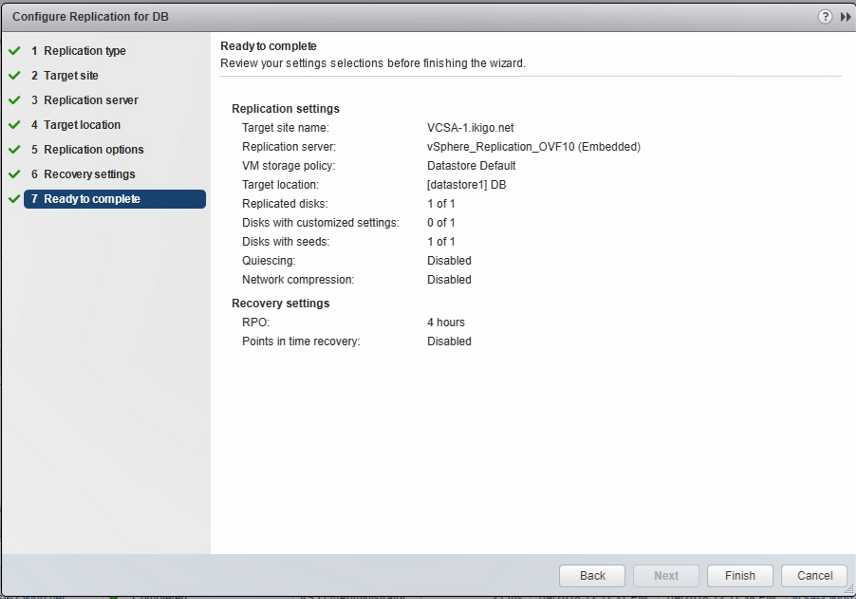
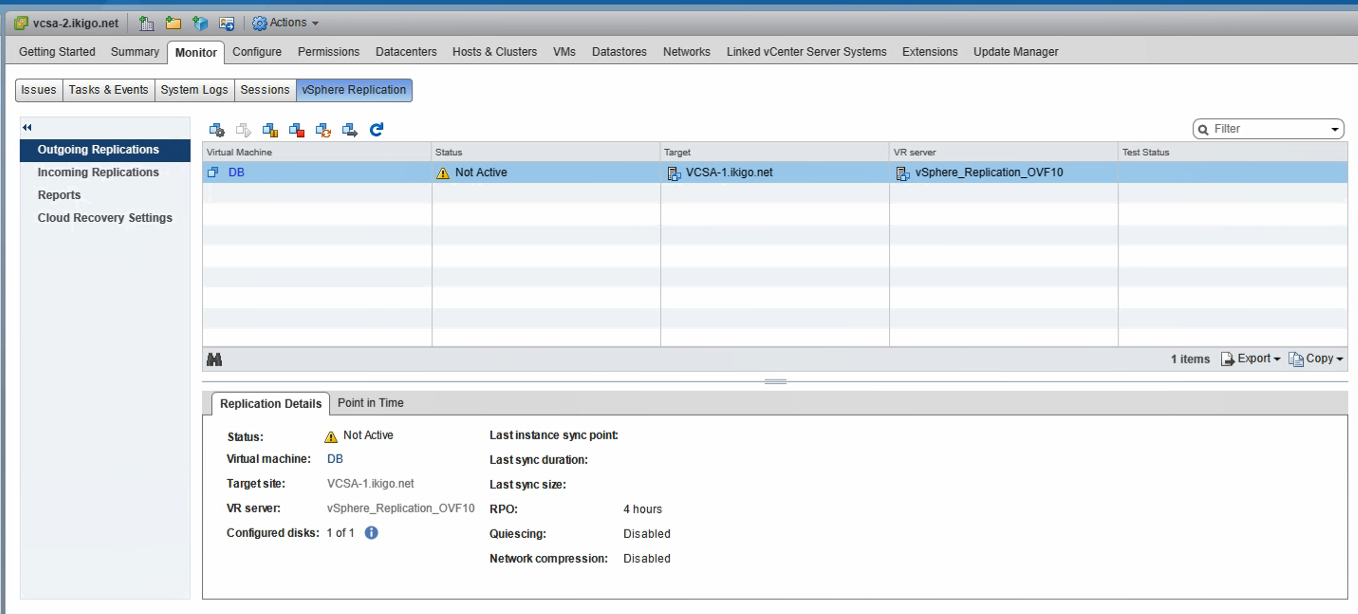
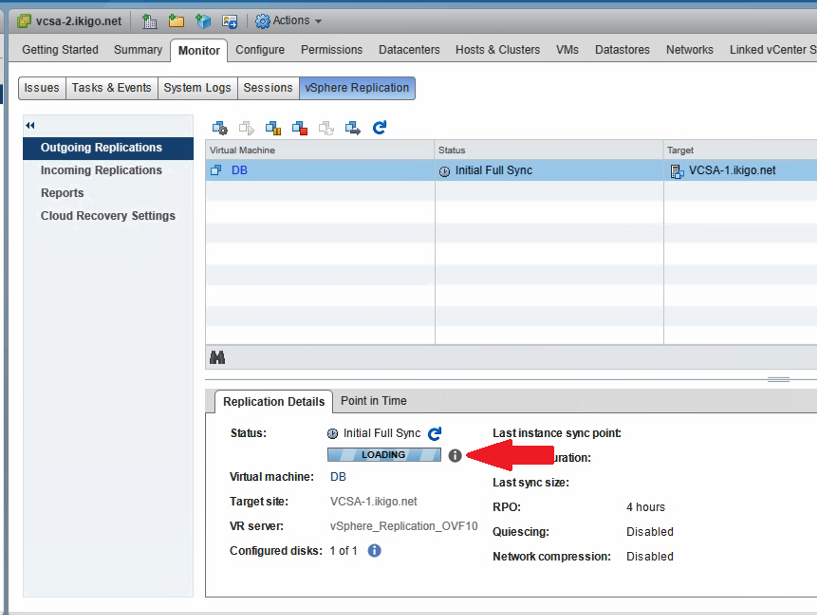
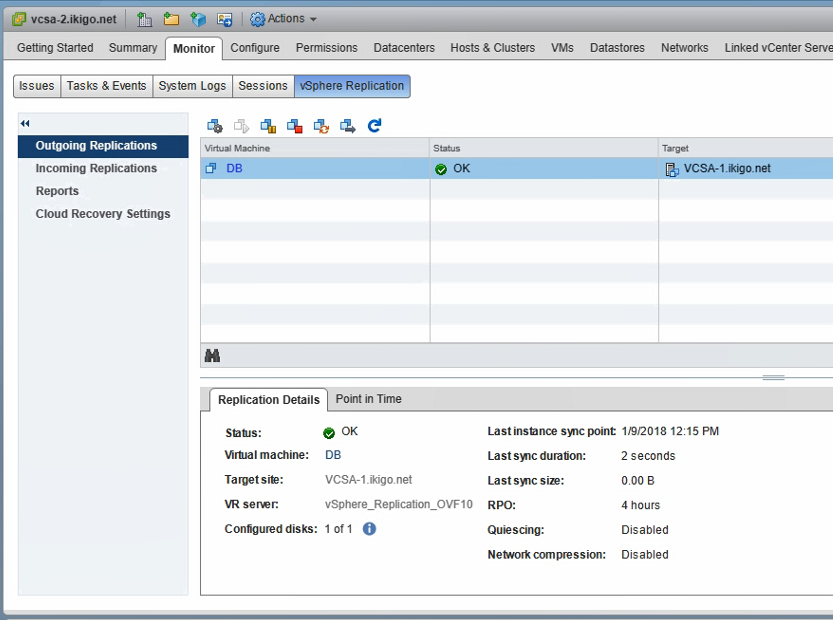
Before proceeding, Ensure there are no stale replications. The VM name must not be listed in the vCenter server>Monitor>Vsphere replication>(on the source) outgoing, incoming tab (for the destination) Configuring replication using existing seeds are rather simple. Configure replication like you normally would except, you would select the datastore>Folder where the…
Read MoreRecovering a VM using vSphere replication
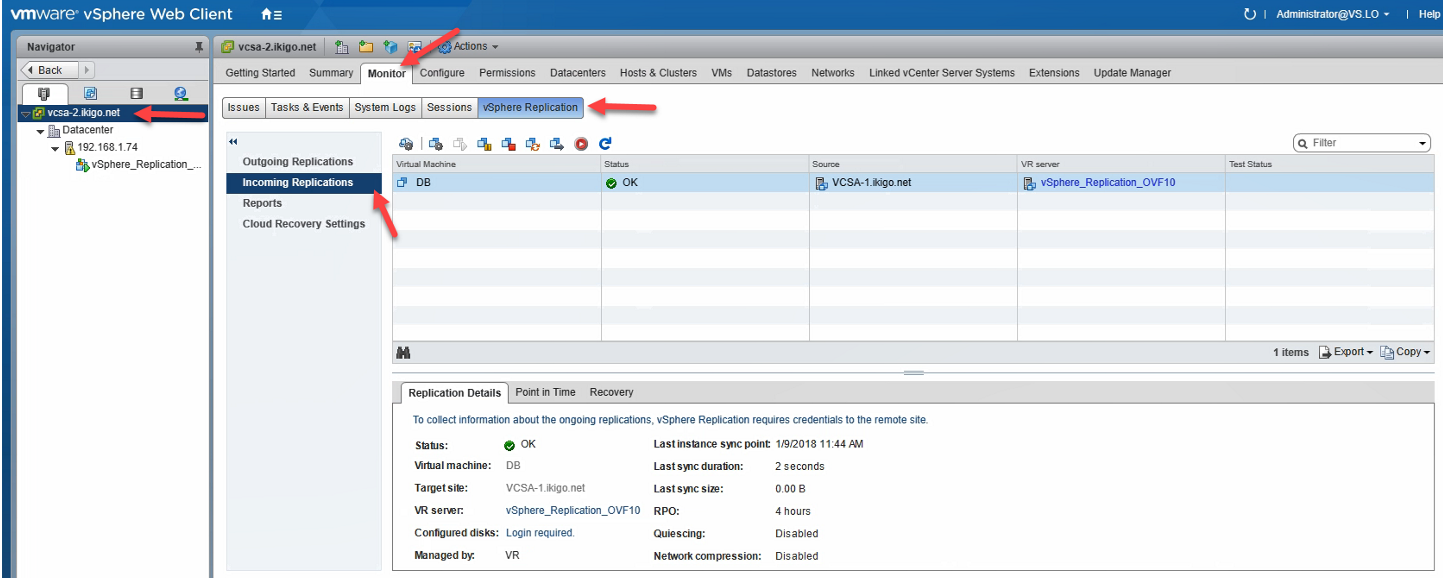
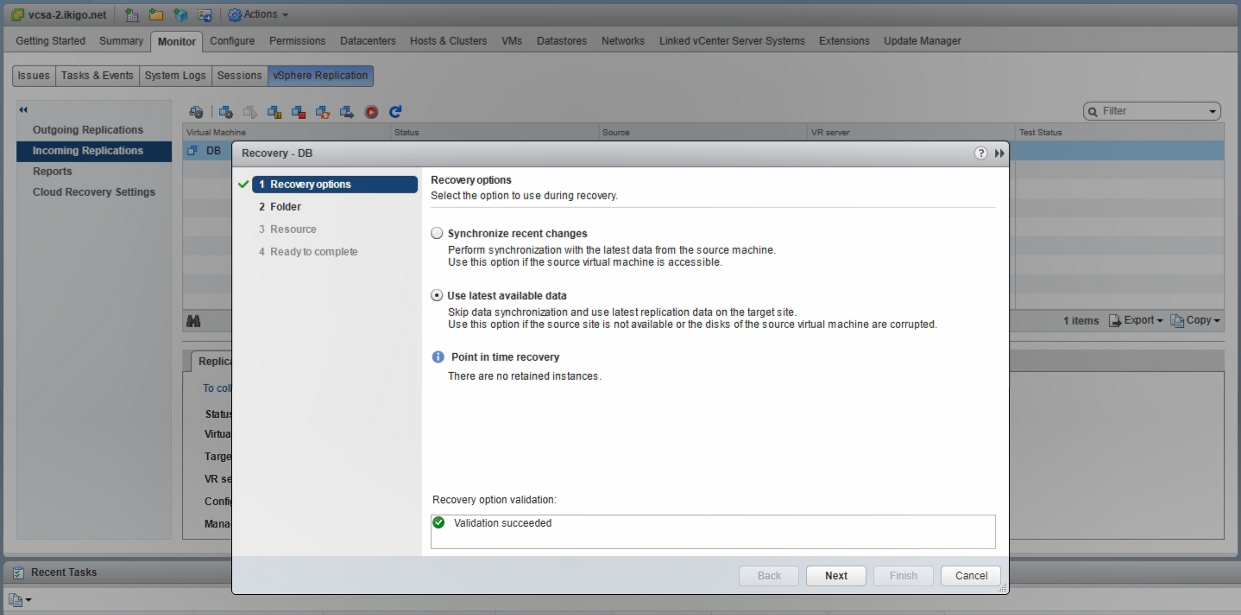
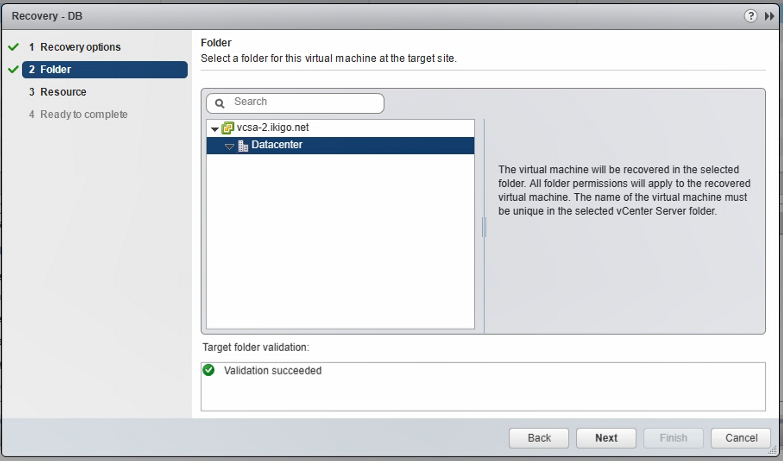
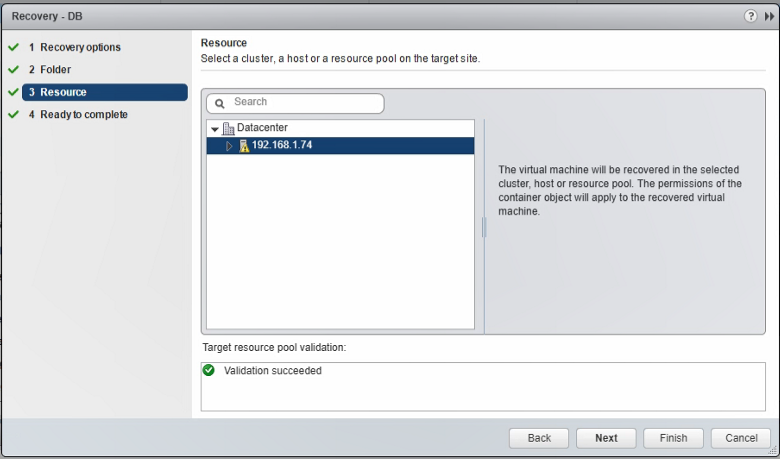
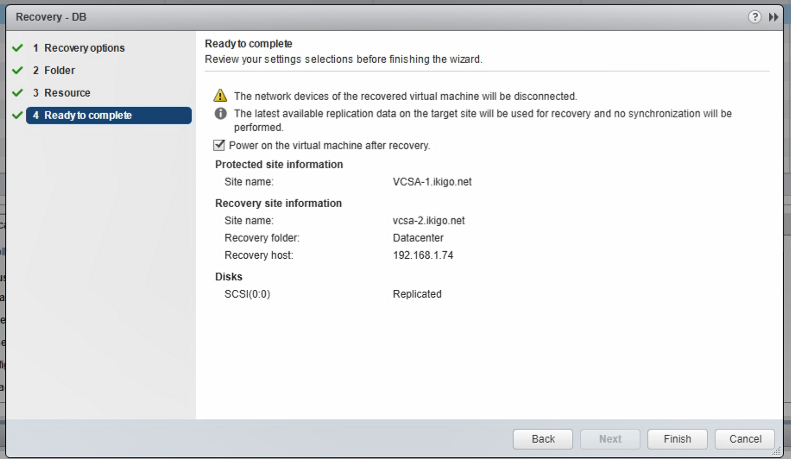
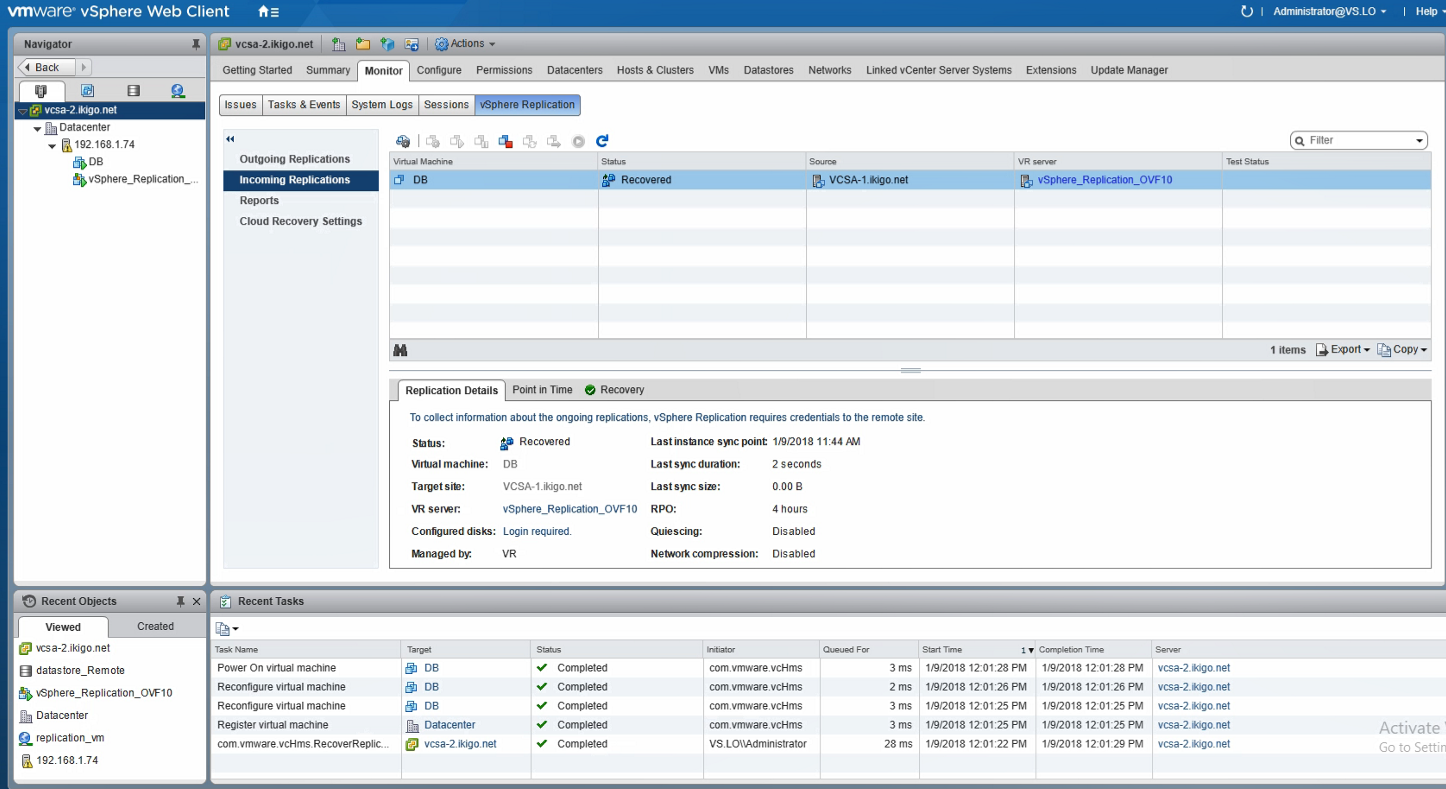
Log into the recovery site vCenter webclient>vCenter server>Monitor>vSphere replication>incoming replication> Click on the VM that you wish to recover and click on the recover button: Should you be performing a planned migration of the VM (with the most recent change, select Synchronise recently change (you will need to authenticate with…
Read More